A free drink at your party, claimed once and checked at the bar
Discount codes are perfect for everyone-can-use offers. For anything you can only give once per person (a free drink, a gift with purchase, a class pass, a ticket), put a single-use voucher behind the door.
- 1
Set it up
Choose "Single-use voucher" on a door. Name it, say how to use it, and add a limit and use-by date if you want.
- 2
They claim it
A visitor enters their email. Their own code and QR arrive by email: one per person per door.
- 3
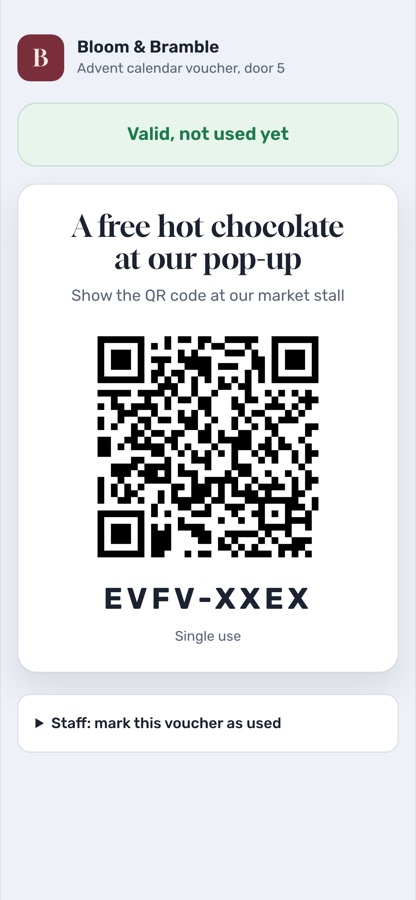
Staff scan it
A phone camera opens the voucher: Valid, Already used or Expired, in letters big enough to read across a counter.
- 4
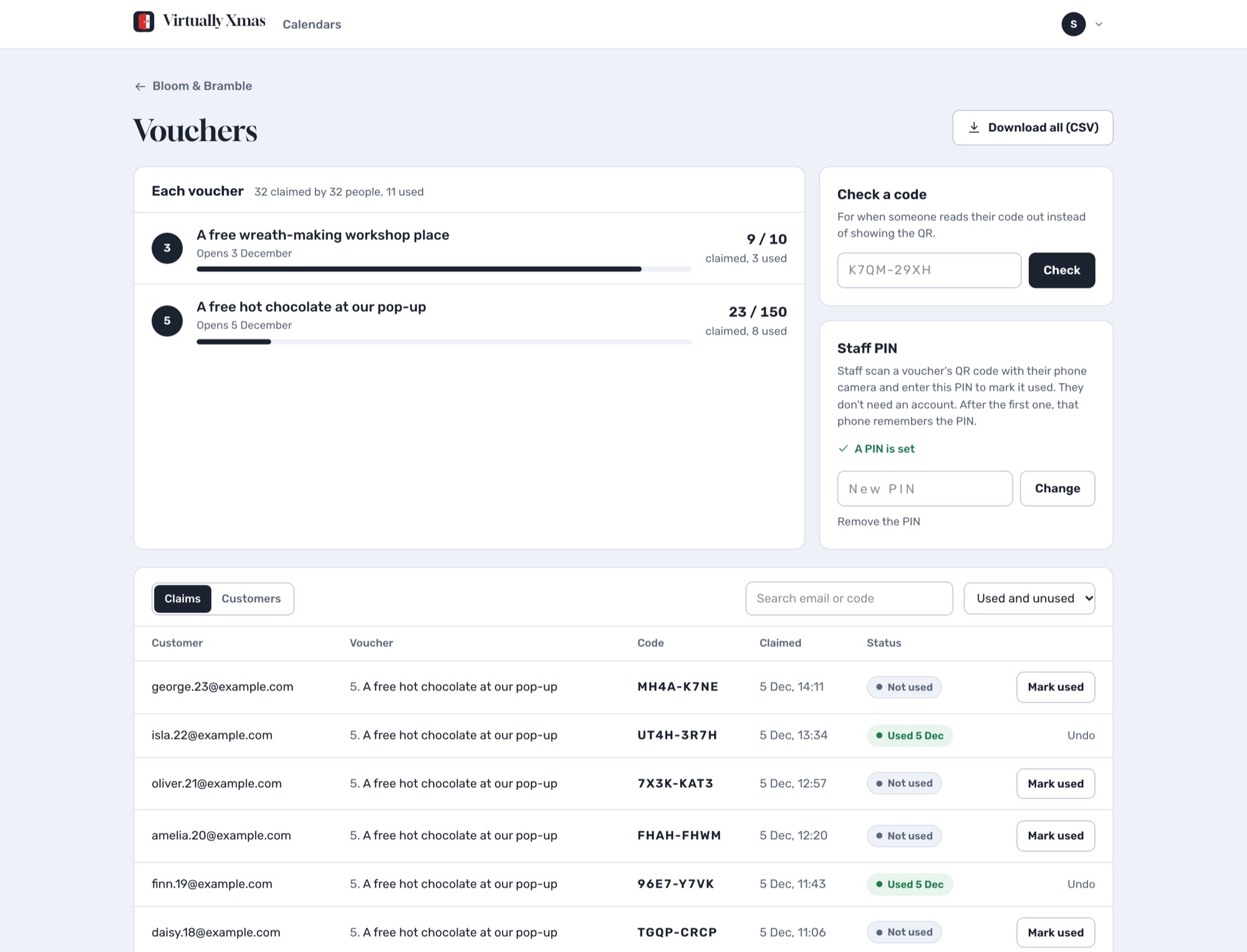
You see it all
The Vouchers page shows every claim and customer, checks a code read aloud, and exports a spreadsheet.
Questions
How does a customer claim a voucher?
They open the door, enter their email and press the button. Their own code and QR code arrive by email straight away, which also proves the address is real.
How do staff check a voucher?
They scan the QR code with their phone camera. The page shows Valid, Already used or Expired in big letters, and a button to mark it used. Staff use a 6 to 8 digit PIN you set, so they don't need an account.
Can someone claim twice?
One claim per email address per door. Each voucher can only ever be marked used once, even if two phones scan it at the same moment.
Can I limit how many I give away?
Yes. Set a limit, such as the first 100, and a use-by date. When they are all claimed, the door says so.
Single-use vouchers are part of Pro. See pricing.
Build your calendar today
Free to build and preview. Pay once when you publish.